AI Assistant on Cisco SD-WAN Manager
Cisco AI Assistant (BETA) is a generative AI / large‐language‐model (LLM) driven interface integrated into Cisco’s networking, security, and operational tooling, meant to make it easier to query, configure, troubleshoot, and optimize infrastructure using natural language. This new feature is part of Cisco's broader “AgenticOps” enhancements. Combining AI + automation + telemetry + visualization to reduce manual effort and improve operational speed, efficiency and reliability.
Cisco’s AI Assistant delivers significant business value when integrated with Cisco Catalyst SD-WAN via SD-WAN Manager. Through natural language processing, network administrators can ask questions or request operational information using everyday language, drastically reducing the time and expertise needed to perform traditionally complex tasks or locate relevant documentation, diagnosing connectivity issues, or reviewing transport performance metrics. This not only lowers the barrier to adoption for less experienced personnel but also helps expert engineers accelerate repetitive or time-consuming processes, leading to improved operational efficiency.
For additional information and to see this demo you can find a recording on of it here
Cisco’s AI Assistant aligns with broader IT initiatives such as AIOps and intent-based networking, driving agility, reliability, and cost efficiency in modern SD-WAN and SASE environments.
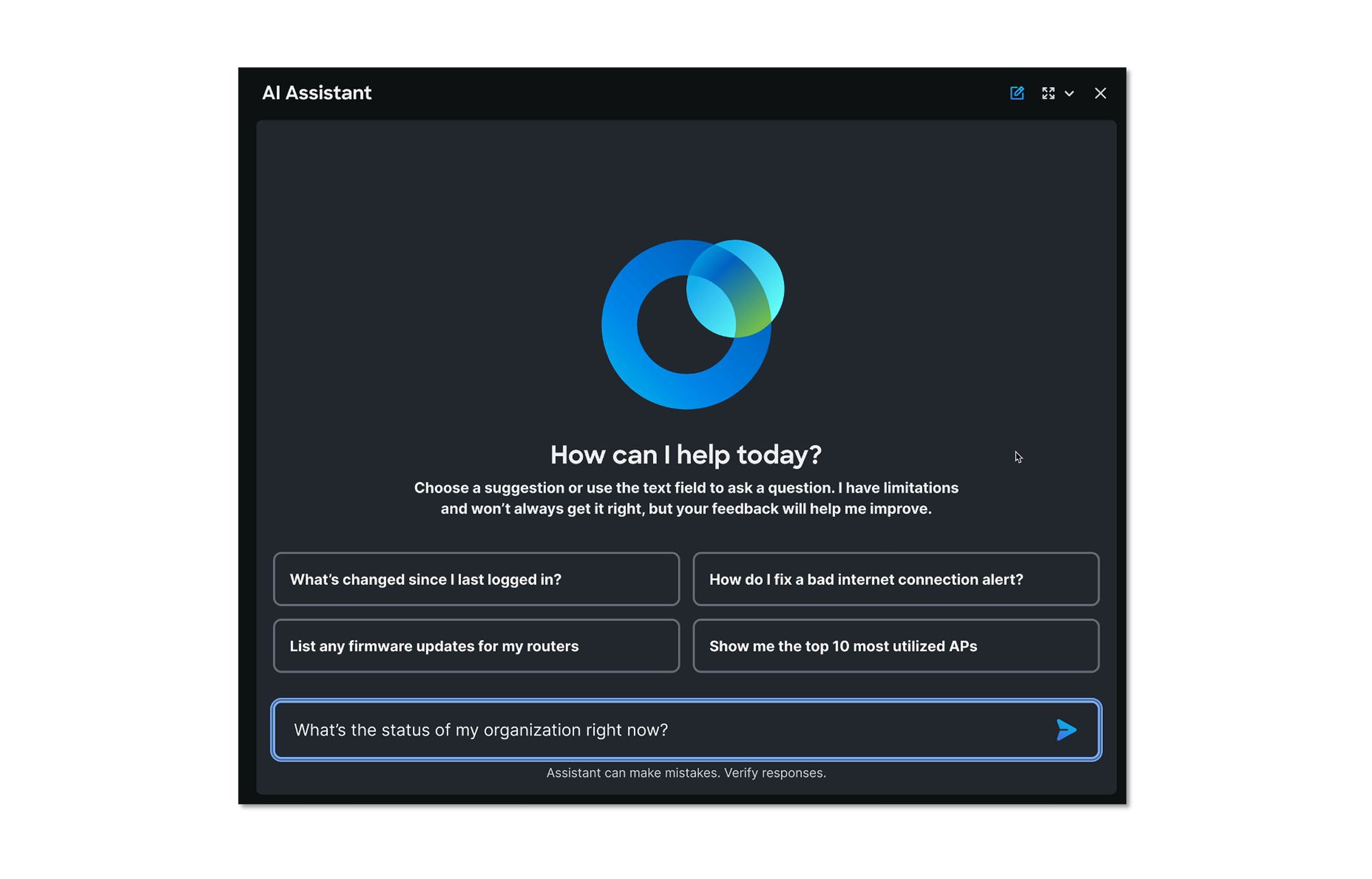
Explore the AI Assistant with Common Prompts
Begin by navigating in the Cisco Catalyst SD-WAN Manager to Monitor > Overview and then click on the highlighted symbol to open the AI Assistance window.
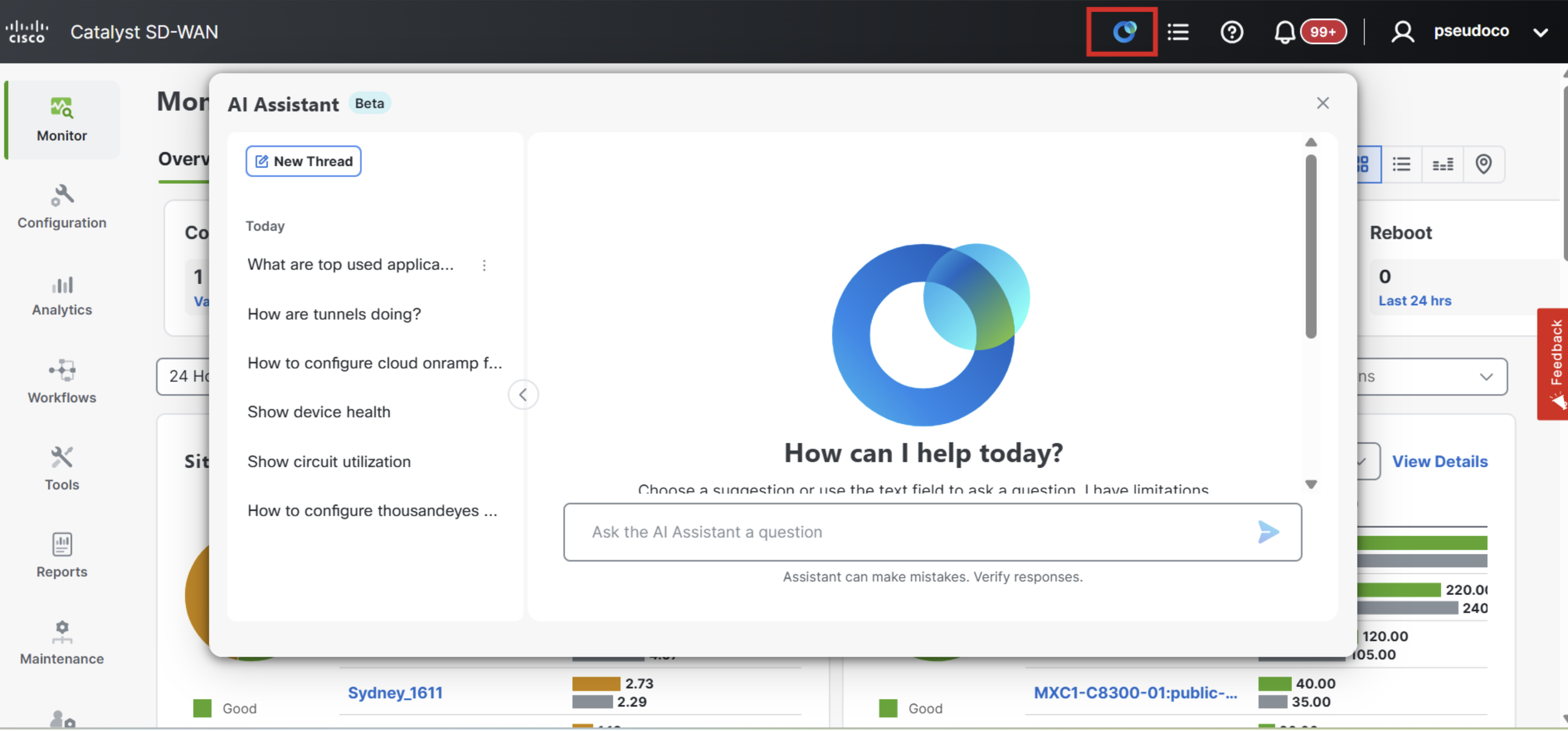
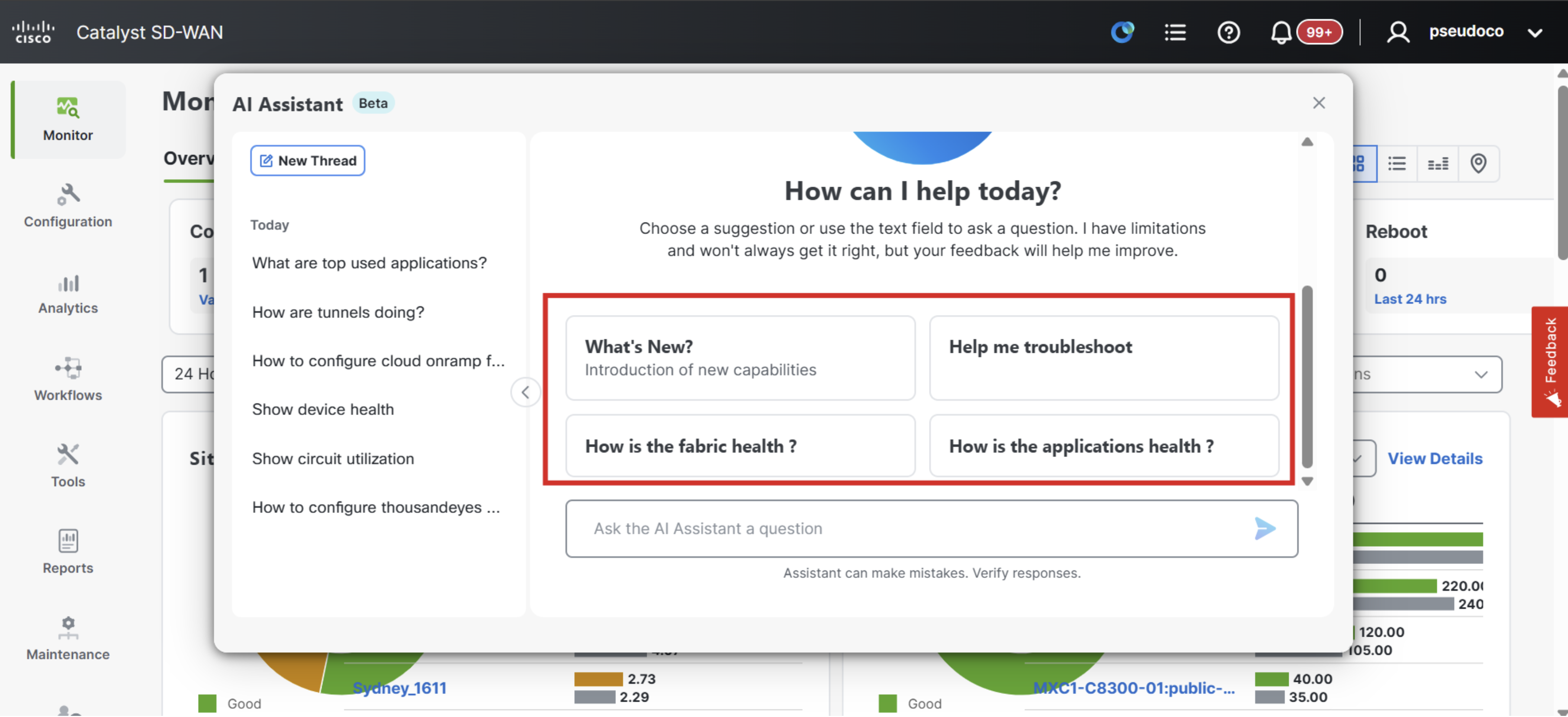
The four highlighted questions below can be handled by default.
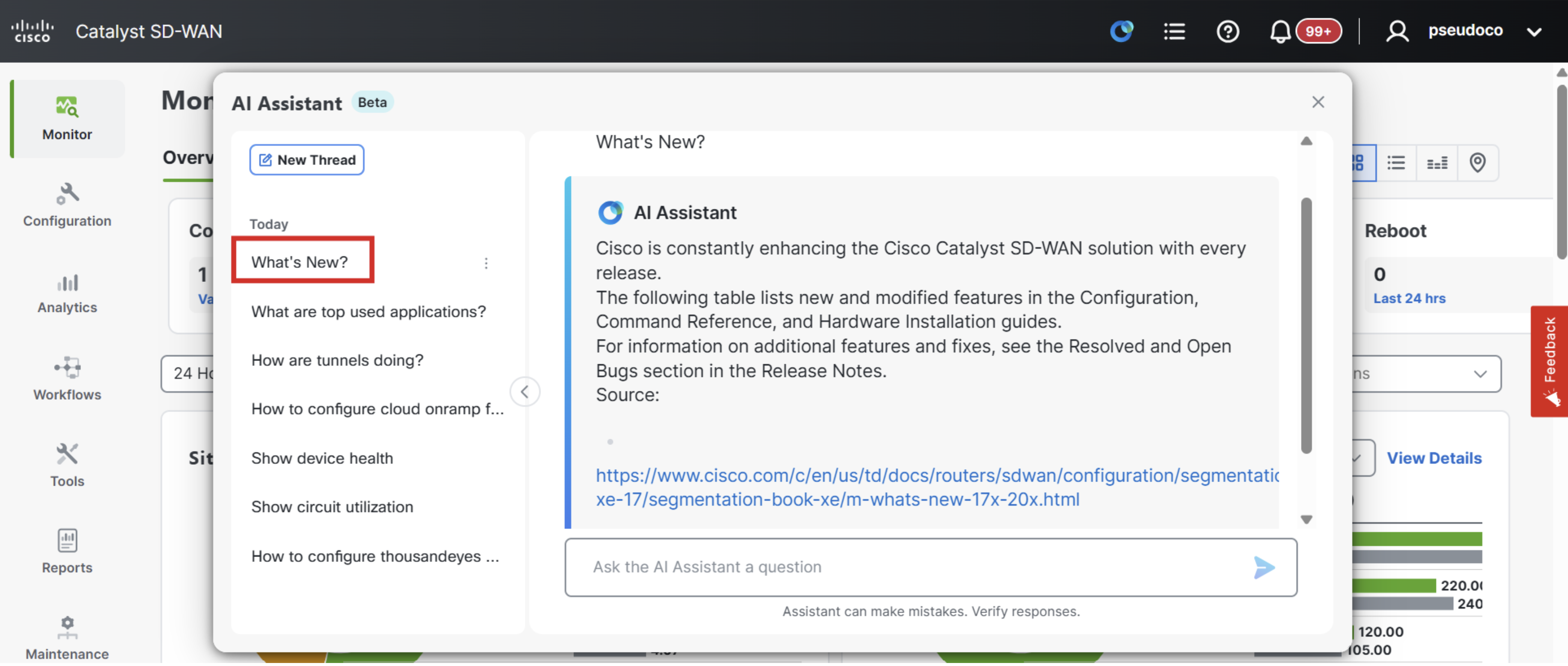
Start by clicking on What's New? and the LLM will provide links to the latest documentation on updated features and product enhancements.
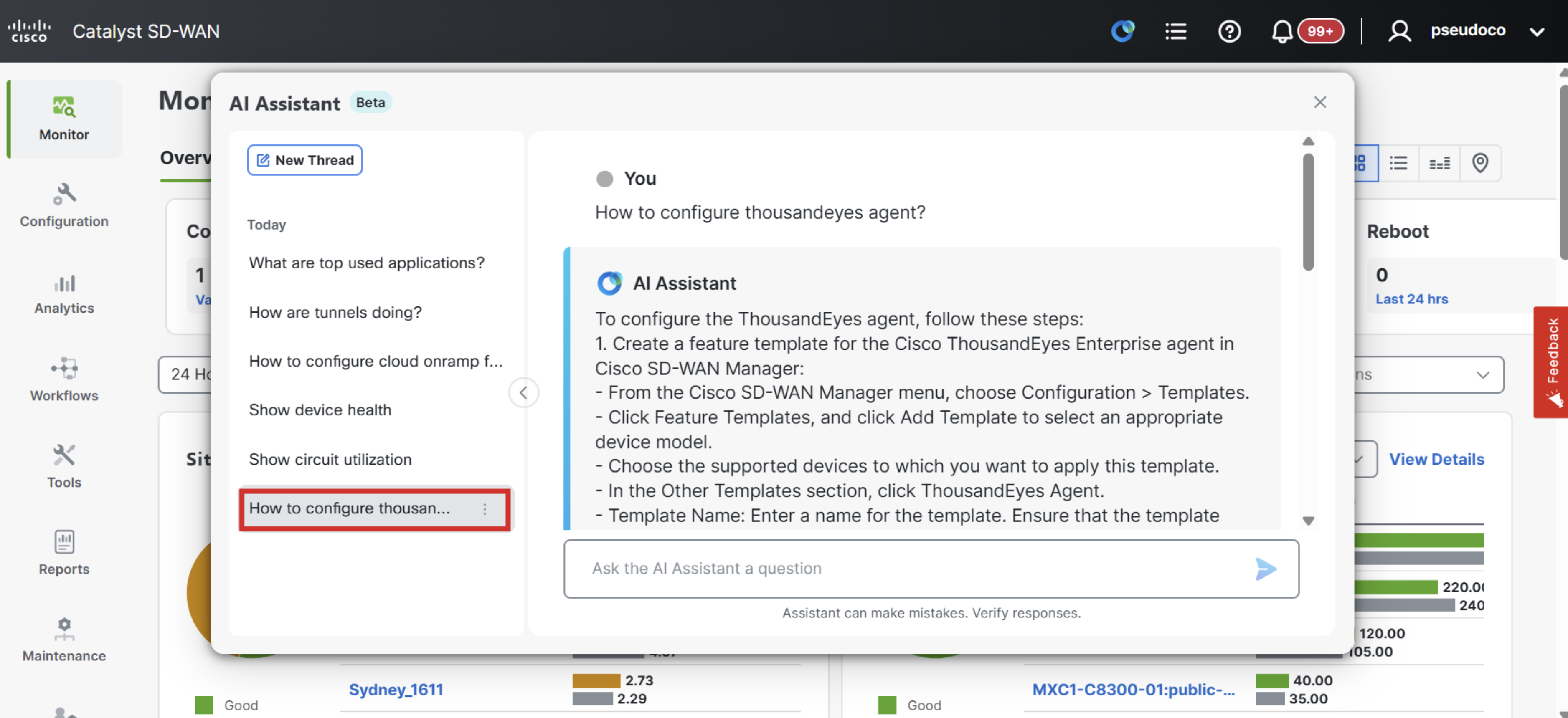
Next click on How to configure thousandeyes agent? and the LLM will provide an step by step process to add a ThousandEyes Agent.
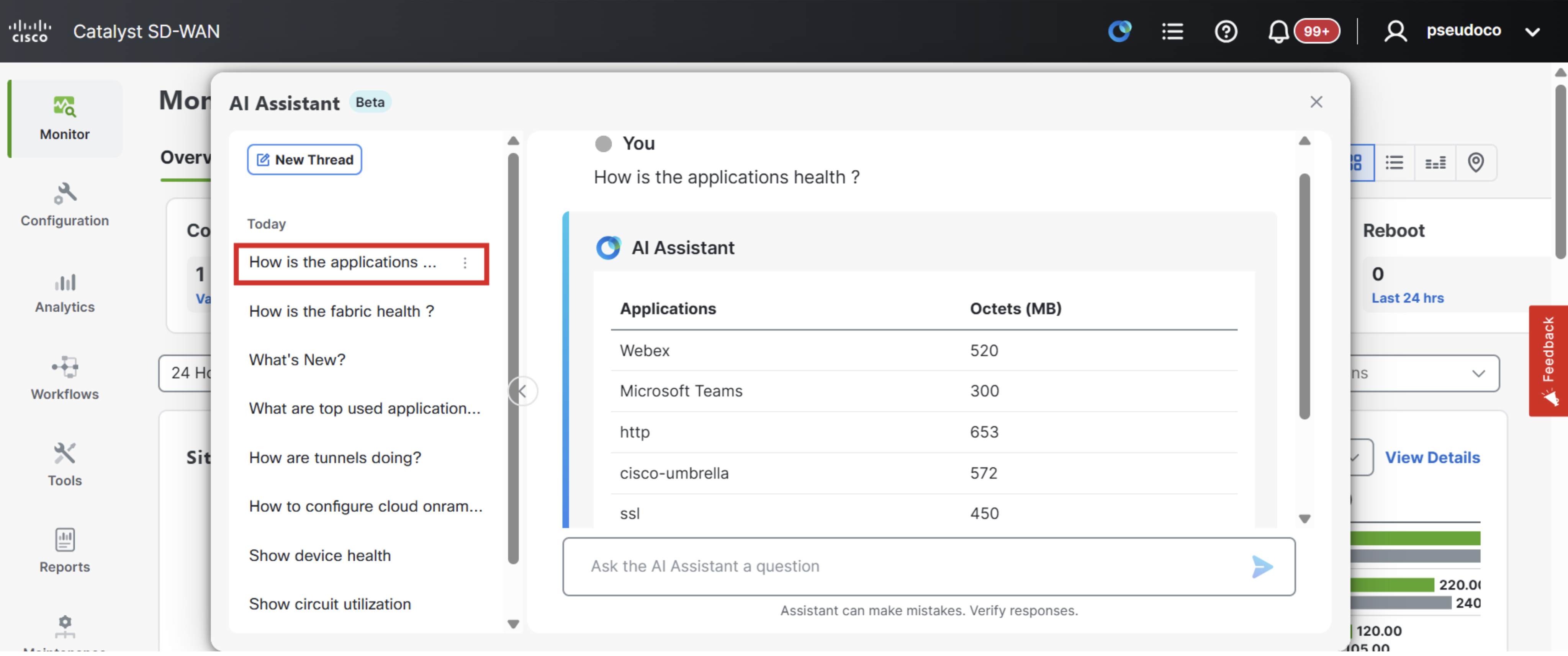
Next click on How is the Application health? and the LLM will provide an update on the top applications.
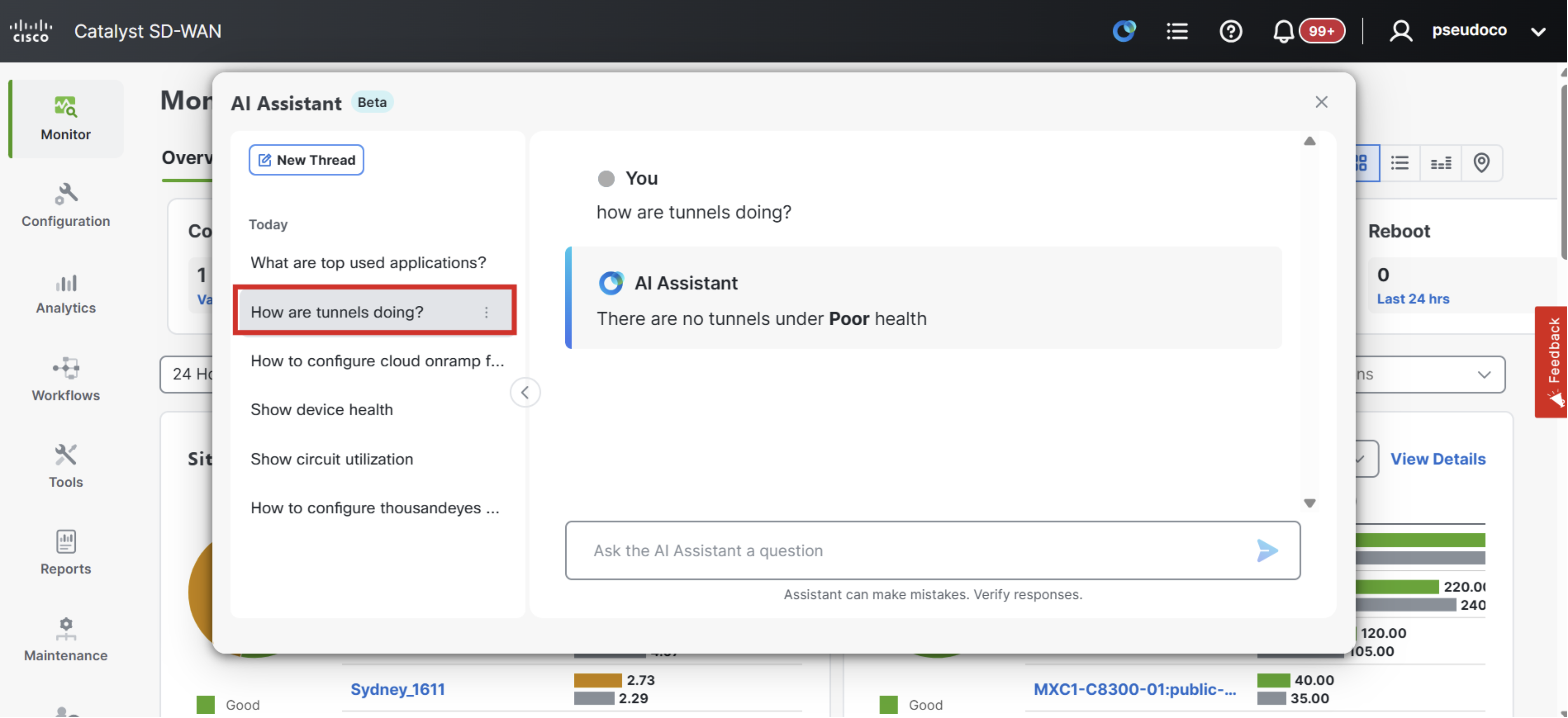
Next click on How are tunnels doing? and the LLM will provide an update on tunnel health within the fabric.
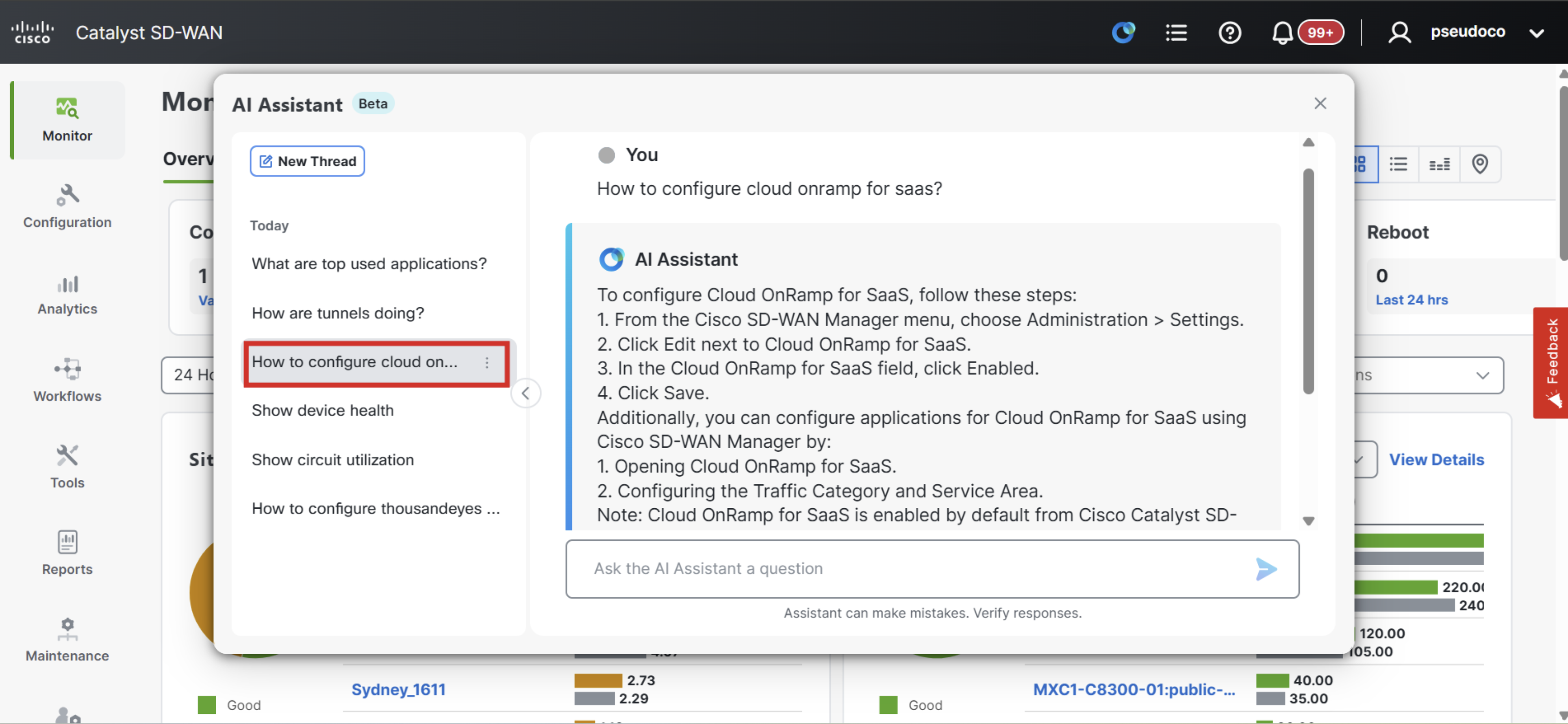
Next click on How to Configuration cloud onramp for SaaS? and the LLM will provide steps laying out how to enable the feature.
Next click on Show Device Health and the LLM will provide an update on the status of the SD-WAN deployment.
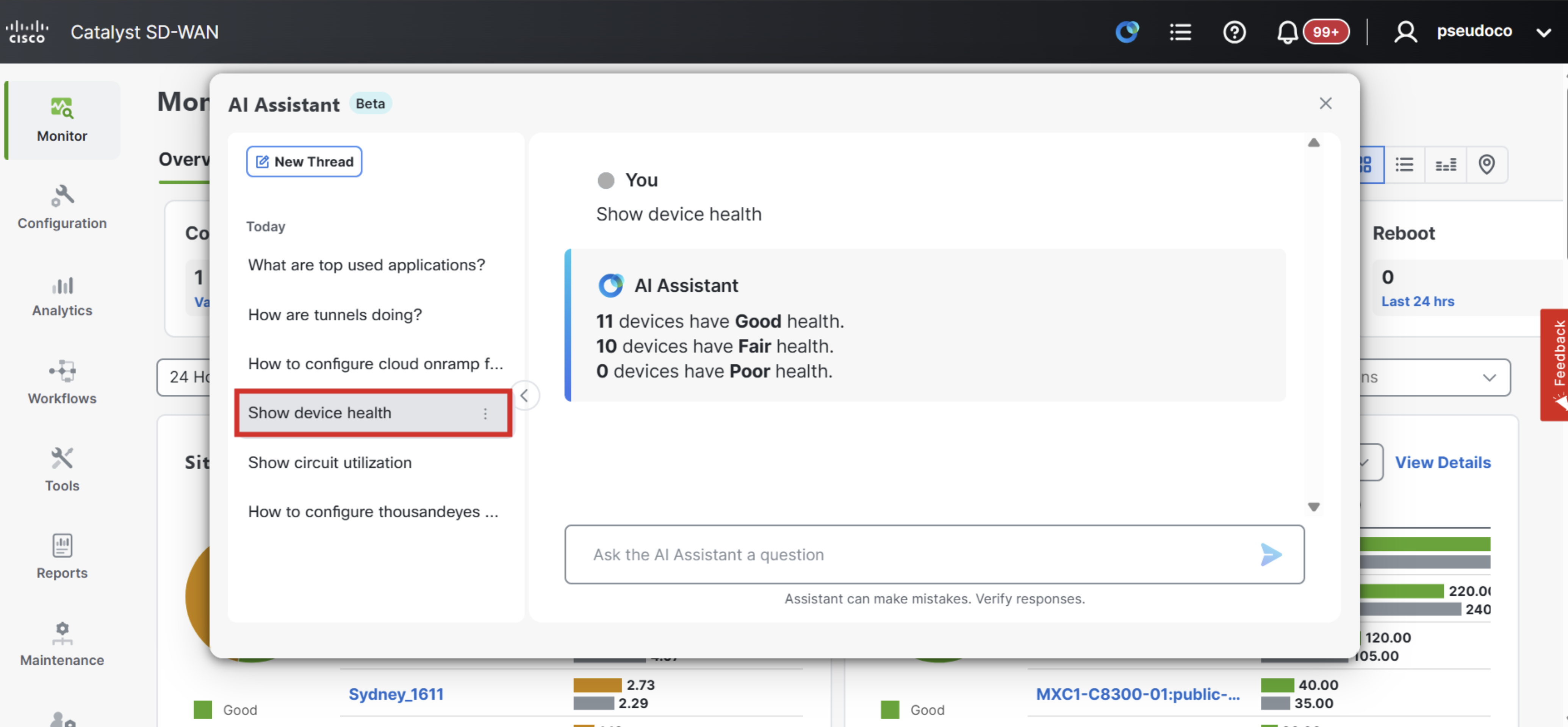
This response can be interacted with further using natural language. Type Good into the prompt to get a list of the Sites with good health status.
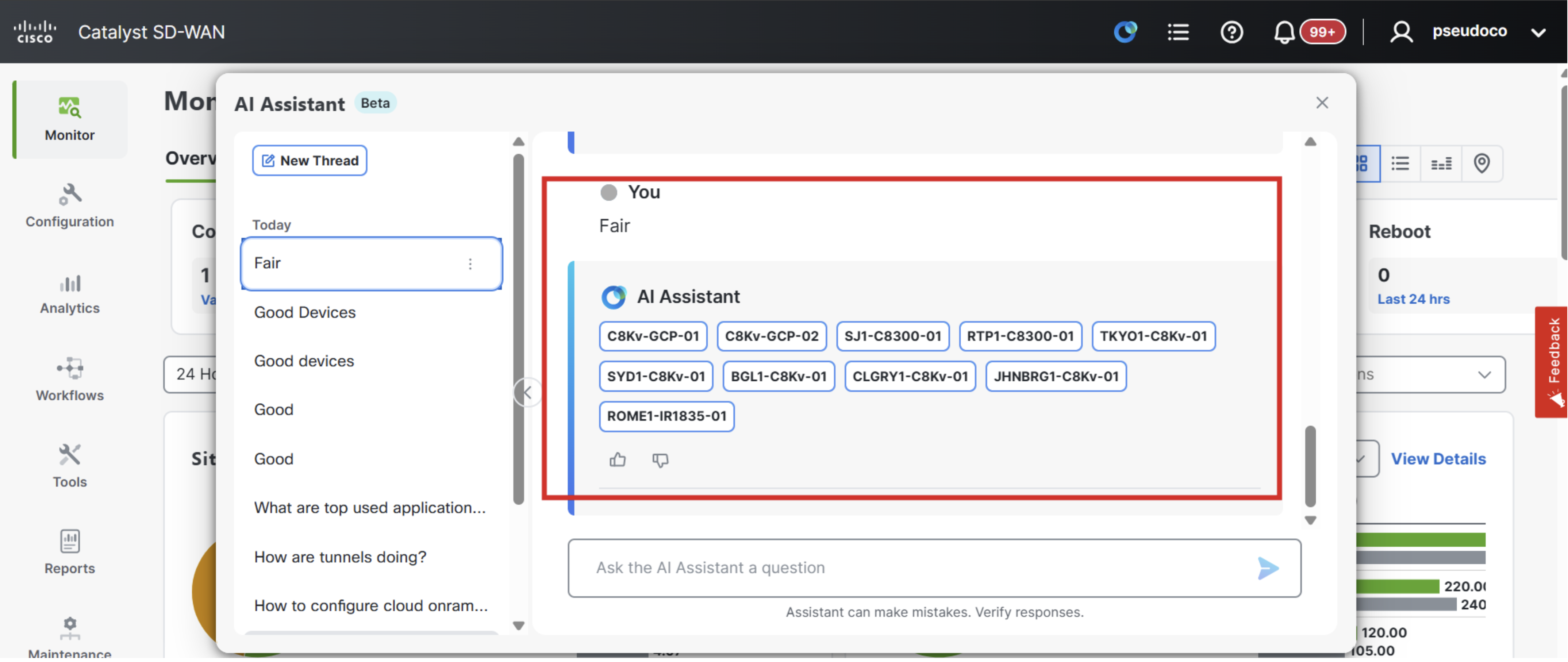
Next type Fair into the prompt to get a list of the Sites with fair health status.
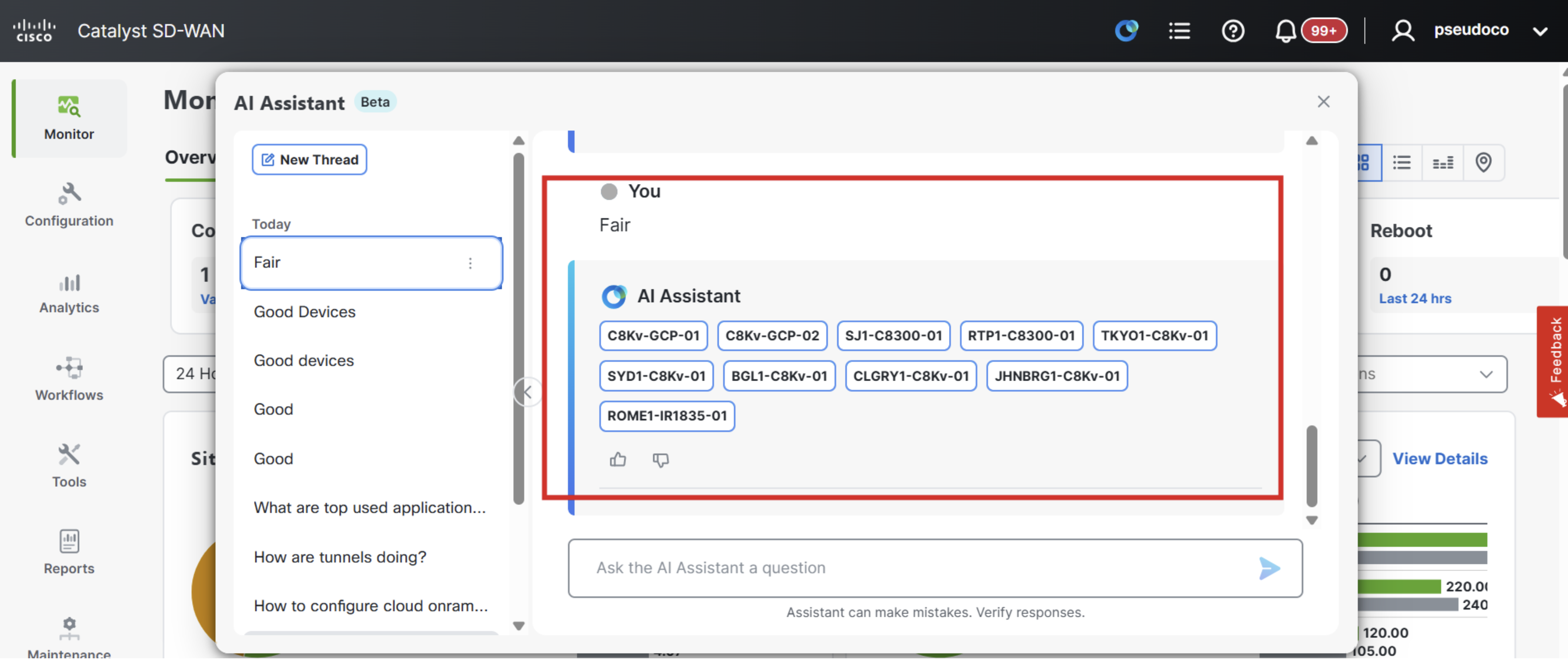
Next type Poor into the prompt to get a list of the Sites with poor health status.
As you have now seen the new (BETA) Cisco AI Assistant in Catalyst SD-WAN Manager simplifies network operations by enabling natural language interactions for tasks like configuration, troubleshooting, and analytics, reducing the need for deep technical expertise. It enhances visibility and decision-making by leveraging telemetry from SD-WAN Analytics to provide real-time insights and proactive recommendations, resulting in faster resolution times and more agile WAN management.